Instagram Video Downloader
Paste a link and keep a public Instagram video, post or story on your phone or computer, in the version Instagram returns.
The form could not start. Make sure you are online, then press Download once more.
Public content only. Not affiliated with Instagram or Meta. By using VideoTote you agree to the Terms and Privacy Policy.
Download an Instagram video in 3 steps
-

Copy the post link
In the Instagram app or on instagram.com, open the post you like. Tap the paper-plane or the ⋯ menu and pick Copy link. Want a story? A public username works too.
-

Paste the link on VideoTote
Switch back to VideoTote and tap Paste, or insert the link by hand. We look up the post and line up all of its files, one card per video or photo, each with a Download button.
-

Check and download
Play the preview to be sure it is the right clip, then tap Download. iPhones keep the MP4 in Files or Photos, Android phones in the Gallery, and computers in the Downloads folder.


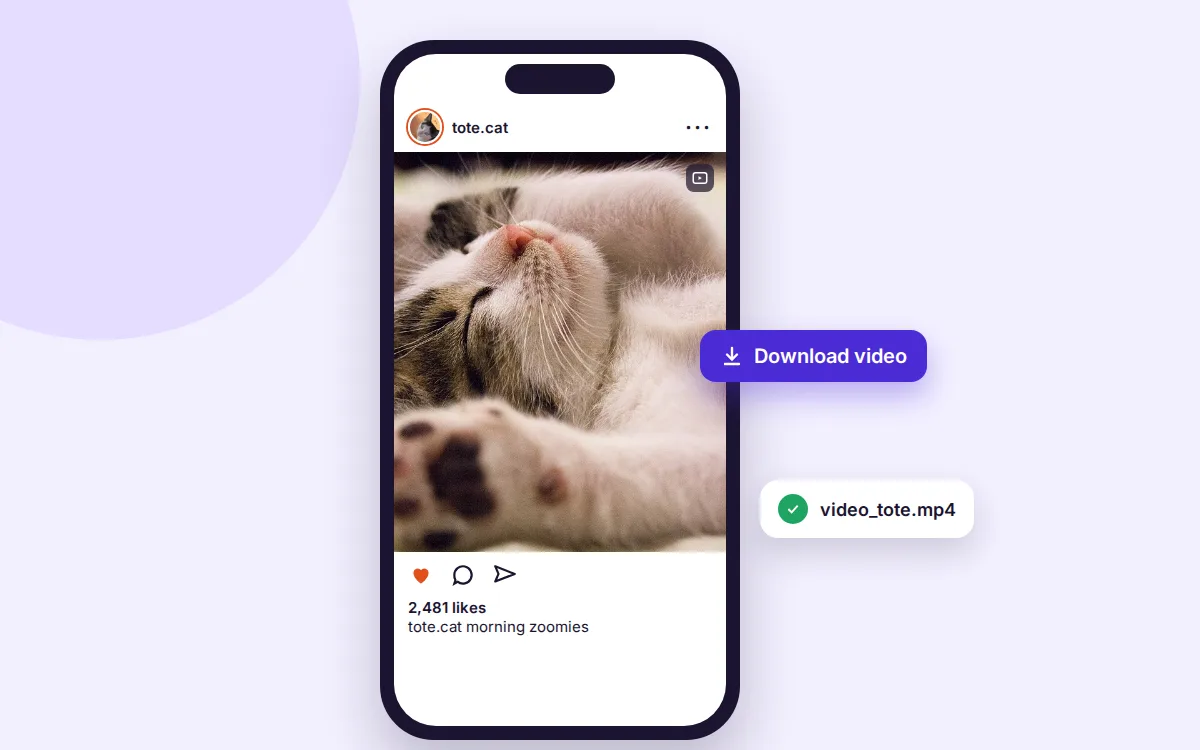
Posts and Reels
Any public video, straight from the post
Paste the link to a post or a Reel and get the video as an MP4 file with the sound Instagram provides, ready to play on any device.
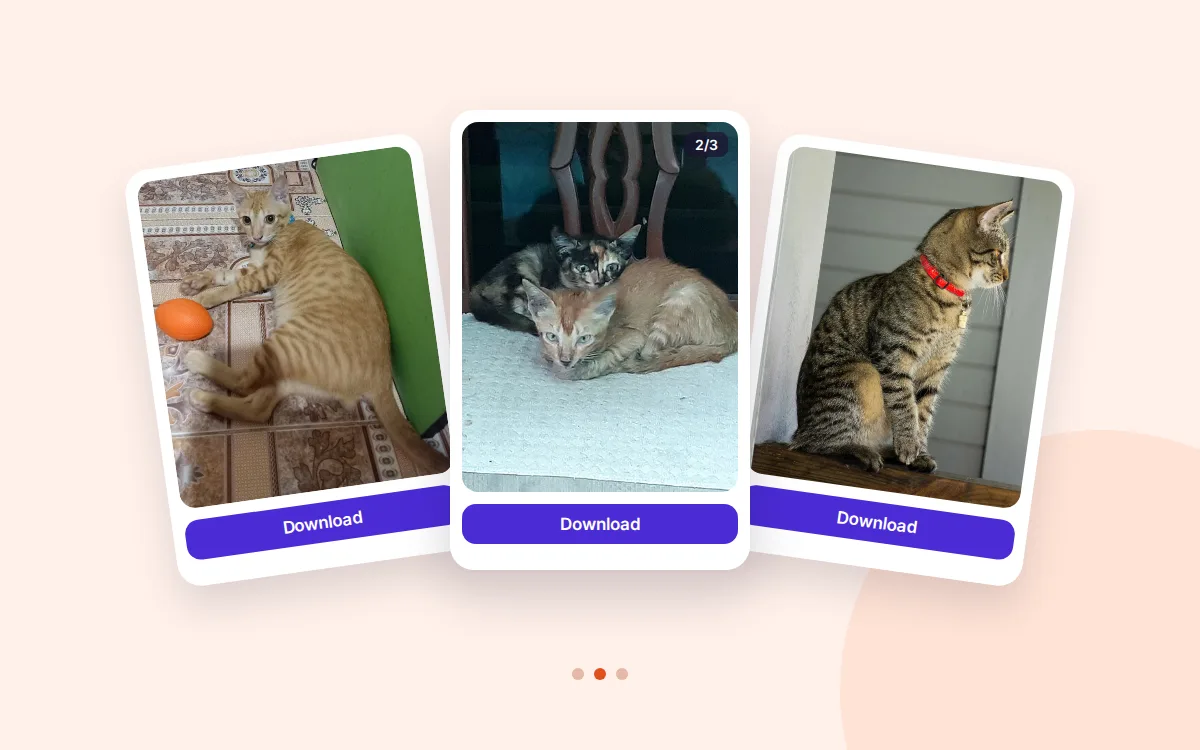
Carousels
Every file of a carousel, one by one
A post with several videos and photos shows each one as its own card, so you keep only the ones you need.
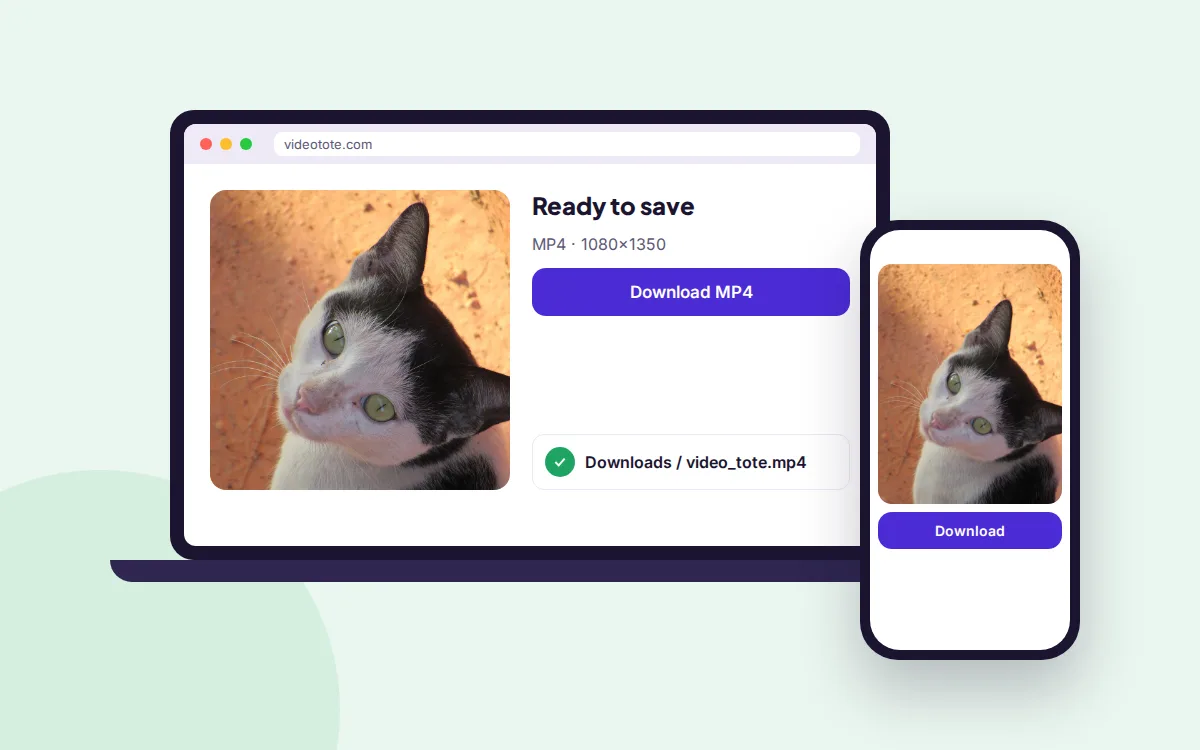
Any device
Phone or computer, no app
It runs in the browser on iPhone, Android, Windows and Mac. Nothing to install and no Instagram login.
Guides for this tool


Your questions, answered
Does VideoTote cost anything?
Do I have to sign in or install something?
Will it work with a private account?
Will the author find out that I saved their video?
How good will the video look?
Where does the file end up on my phone?
How do I save several videos?
Am I allowed to save videos from Instagram?
Have more questions or need technical support?
Send us the link that failed together with your device and browser, and we will check what went wrong.