Instagram Highlights Viewer
Open the highlights pinned to a public profile, watch them without an account and download the items you want.
The form could not start. Make sure you are online, then press Download once more.
Public content only. Not affiliated with Instagram or Meta. By using VideoTote you agree to the Terms and Privacy Policy.
Watch and save Instagram highlights in 3 steps
-

Find the profile or the highlight
In Instagram, copy the @username shown at the top of the profile. To go straight to one highlight, open it and copy its link from the share options. Both iPhone and Android do it this way.
-

Drop it into the field
Put the username or the link into the field on this page and press the button. VideoTote looks up the public profile and shows its highlights by their covers.
-

Watch the items or keep them
Open a highlight to play its photos and clips right here. Every item has a Download button of its own: photos arrive as image files, clips as MP4.


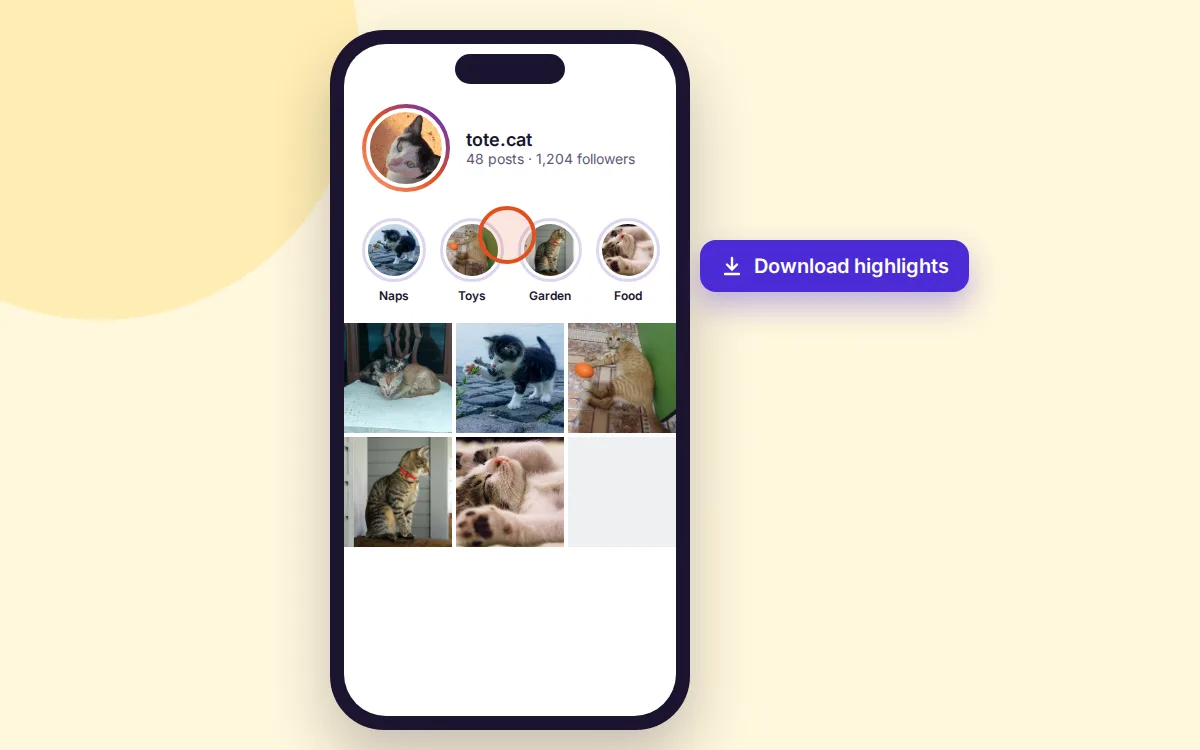
Pinned to the profile
Highlights stay after the 24 hours
Stories the owner pins to the profile remain there until they are removed. Type the @username of a public account to see them all.
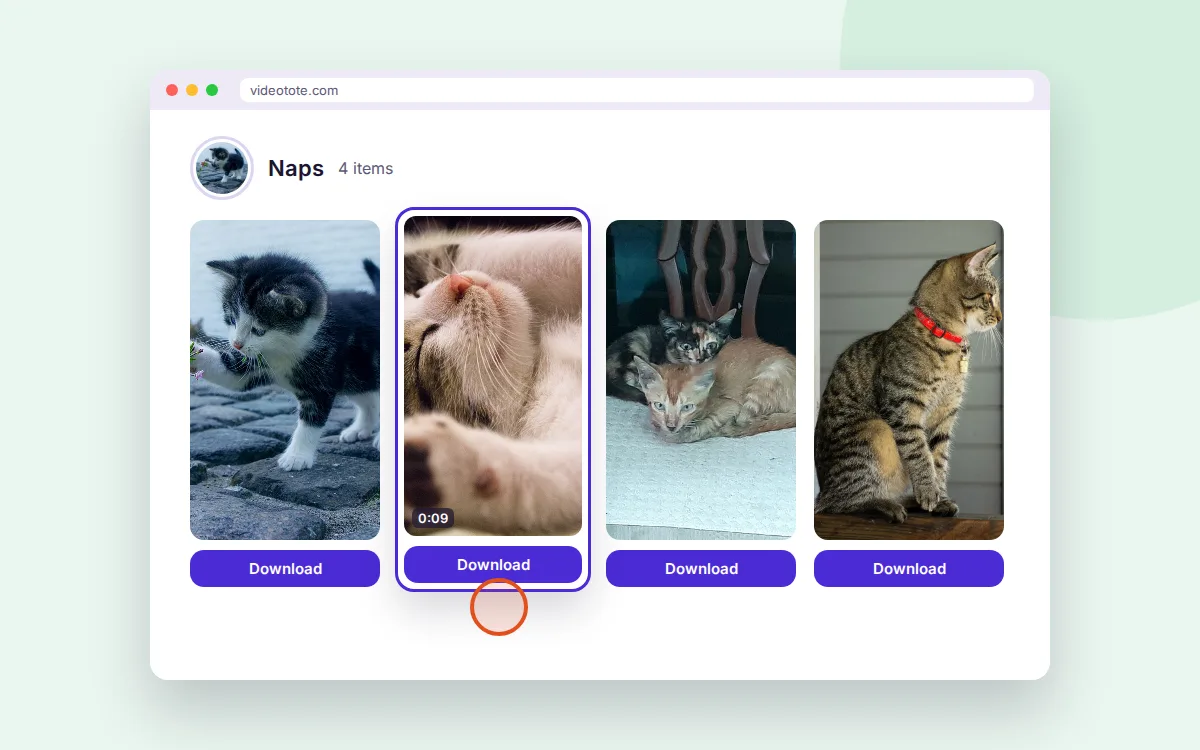
Album by album
Open an album and pick the items
Each album opens as a list of its photos and videos. Download them one by one or keep only the moments you want.
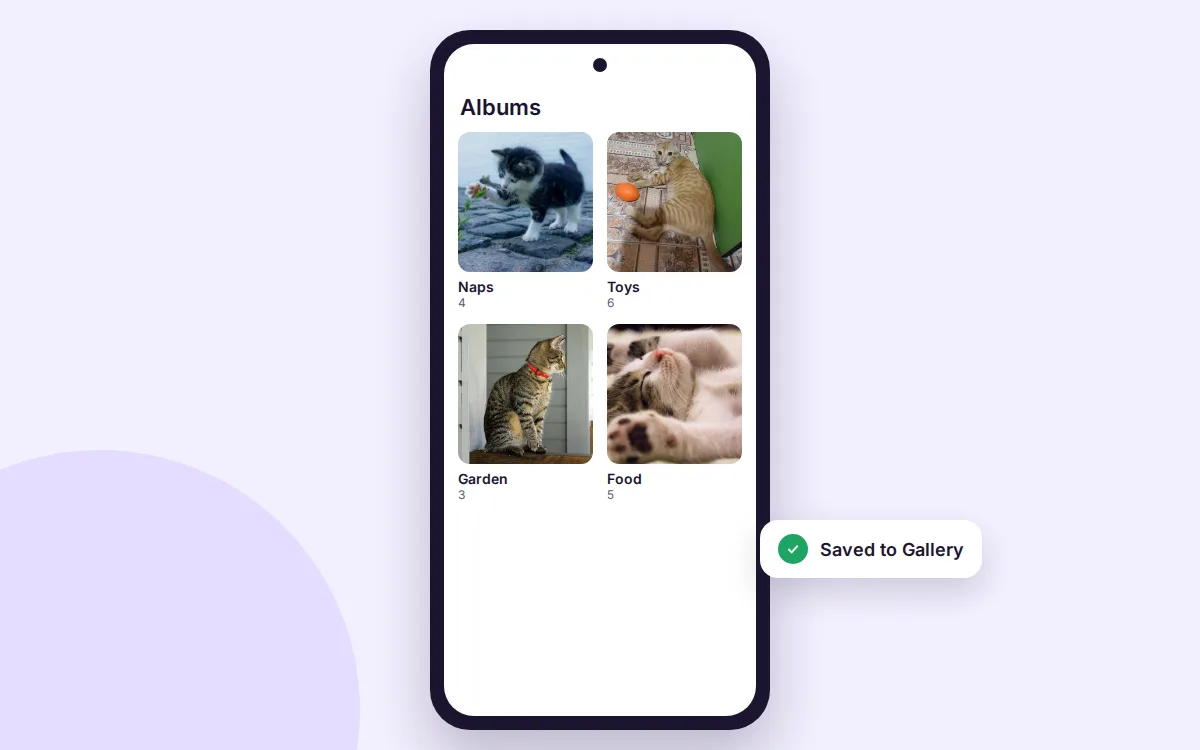
No login
Watch and save without an account
You browse the albums without signing in to Instagram, and the saved photos and videos land in your gallery like any other file.
Questions and answers
Can I watch Instagram highlights without an account?
Does the author know I watched their highlight?
Can I open highlights of a private account?
Can I download a whole highlight at once?
Can I save the cover of a highlight?
Do highlights disappear after 24 hours?
Where do saved highlight items go?
Do I need an app to view highlights?
Have more questions or need technical support?
Send us the link that failed together with your device and browser, and we will check what went wrong.