Instagram Reels Downloader
Save a public Reel as an MP4 file with its sound, in the version Instagram returns for it.
The form could not start. Make sure you are online, then press Download once more.
Public content only. Not affiliated with Instagram or Meta. By using VideoTote you agree to the Terms and Privacy Policy.
Download a Reel from Instagram in 3 steps
-

Grab the link of the Reel
In Instagram on an iPhone or Android phone, tap the share button (the paper plane) and choose Copy link. On a computer, copy the address bar.
-

Drop it into the box
Back on VideoTote, tap Paste or insert the link by hand, then press Download. We fetch the Reel behind that link.
-

Keep the MP4 file
A cover preview shows up with a Download button. Tap it to save the video on your phone or computer.


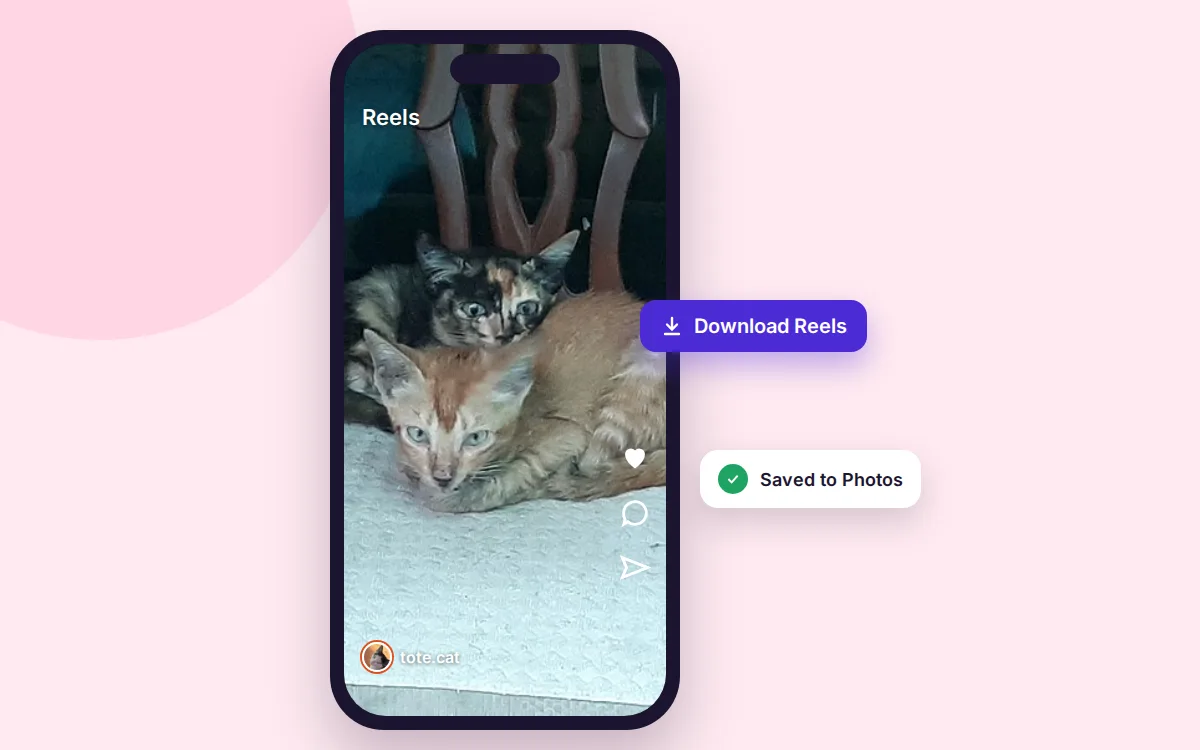
Public Reels
Any public Reel from its link
Copy the link of a Reel in Instagram, paste it here and get the clip as an MP4 file. It works while the clip is online and the account is public.
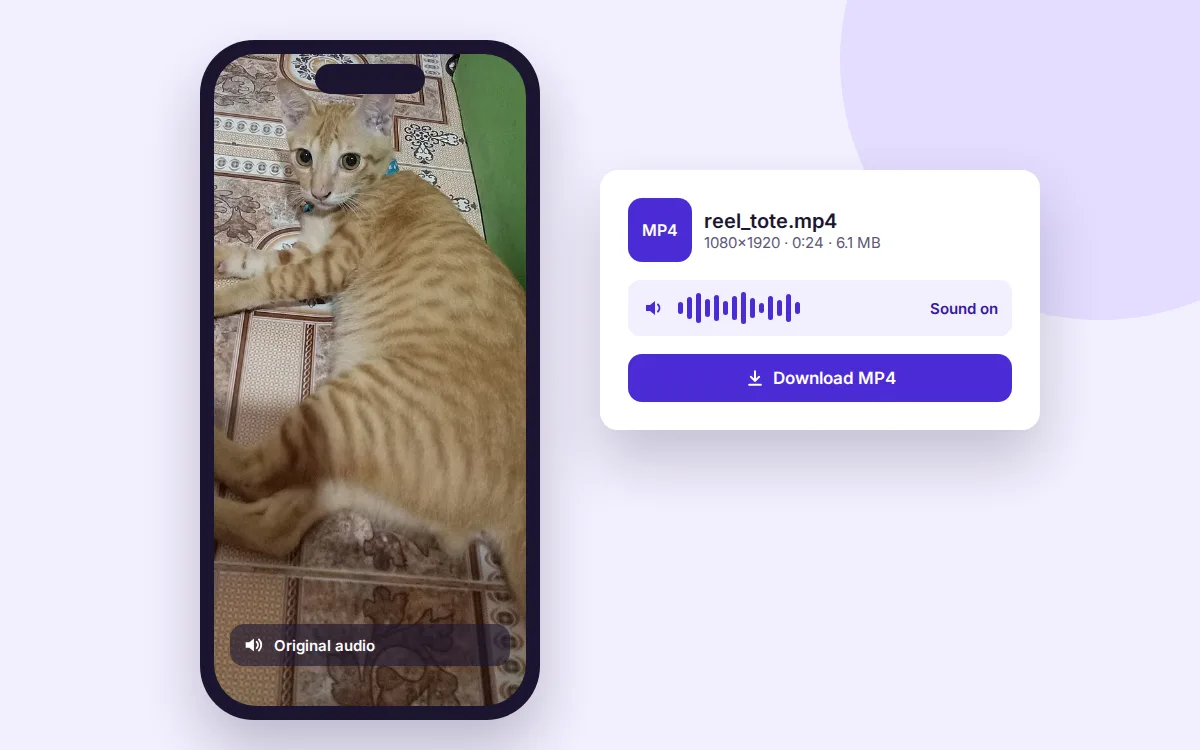
Sound included
Picture and soundtrack in one file
The MP4 carries the audio the Reel plays on Instagram, licensed music or an original sound. If Instagram has muted the track, the file is silent too.
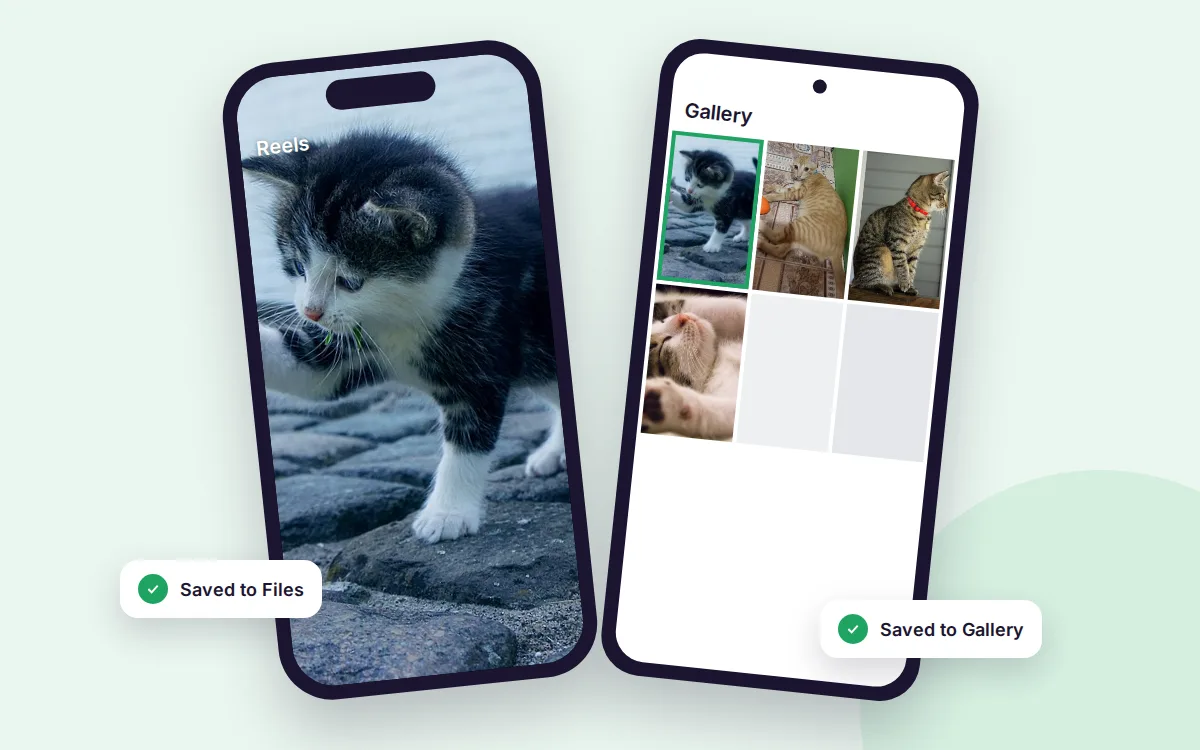
iPhone and Android
Saved to your phone, no app needed
Open VideoTote in the browser you already use. An iPhone keeps the video in the Files app, from where it moves to Photos; Android puts it in Downloads and the Gallery.
Guides for this tool

Questions and answers
Will my saved Reel have a watermark?
Does the downloaded Reel include the music?
Can I save a Reel from a private account?
How do I save several Reels?
Where do downloaded Reels go on a phone?
Can I get only the sound of a Reel?
Will the creator know I downloaded their Reel?
Do I need an app to download Reels?
Have more questions or need technical support?
Send us the link that failed together with your device and browser, and we will check what went wrong.