Anonymous Instagram Story Viewer
Look through the stories a public account has live right now, from a browser and without signing in to Instagram.
The form could not start. Make sure you are online, then press Download once more.
Public content only. Not affiliated with Instagram or Meta. By using VideoTote you agree to the Terms and Privacy Policy.
Watch Instagram stories anonymously in 3 steps
-

Find the @username
On the profile you want to look at, the @username is shown at the top. Copy it, or copy the address of the profile from your browser; either one works on iPhone, Android and desktop.
-

Type it into the field
Paste the name into the field above and press the button. VideoTote looks up the stories that profile has up at the moment, along with its highlight albums.
-

Open a story and watch
Tap a preview to play it right on the page. Nothing opens in the Instagram app, and if you would like a copy, every story has a Download button under it.


No account needed
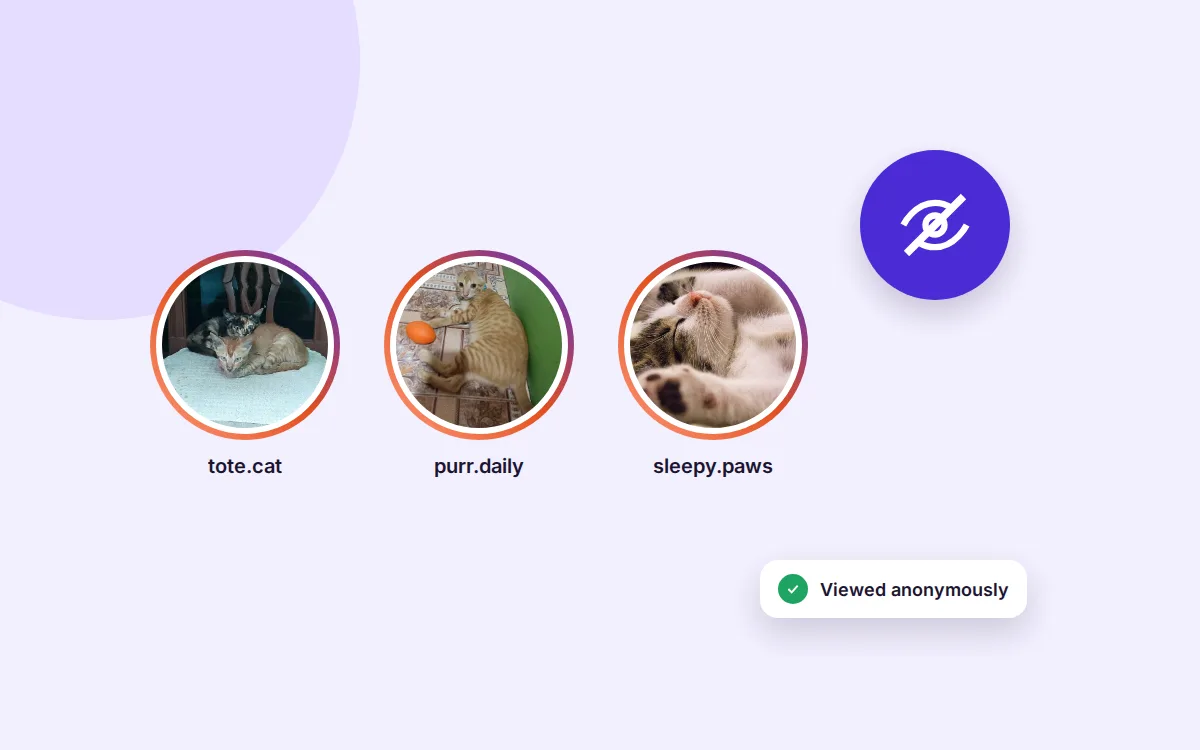
Watch stories without signing in
Type the @username of a public profile and look through the stories it has live right now, in a browser and without an Instagram login.
Viewer list
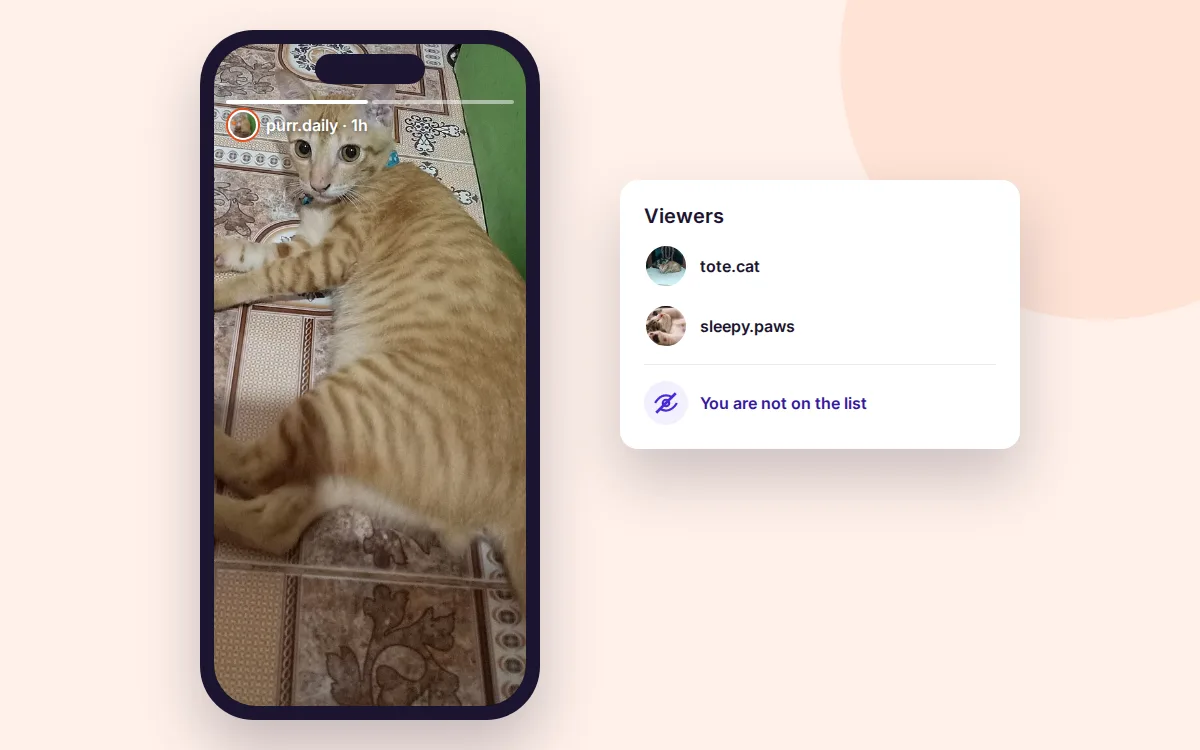
Your name stays off the list
The request for a story goes from our server, not from your profile, so no account of yours is attached to it and none can appear on the list.
Stories and highlights
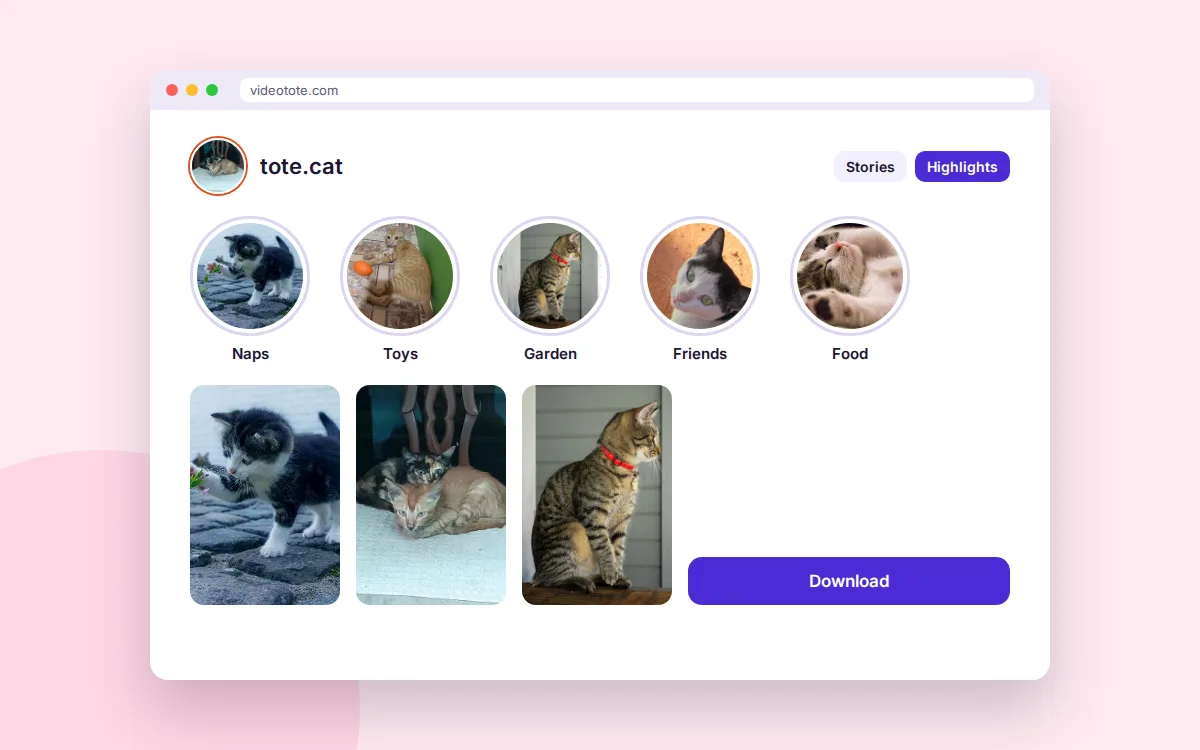
The whole profile on one page
Next to the current stories you see the highlights pinned to the profile, and any item you want to keep can be downloaded to your device.
Guides for this tool

Questions and answers
Will the author see my name in the viewer list?
Do I need an Instagram account to watch stories?
Can I watch stories from a private profile?
Are highlights shown as well?
Can I keep a story I watched?
Does the viewer work on a phone?
What may I do with the stories I see?
Can I see a profile picture larger than the circle?
Have more questions or need technical support?
Send us the link that failed together with your device and browser, and we will check what went wrong.