Instagram Story Downloader
Keep stories and highlights from public profiles as photos or MP4 files, in the version Instagram returns, without signing in.
The form could not start. Make sure you are online, then press Download once more.
Public content only. Not affiliated with Instagram or Meta. By using VideoTote you agree to the Terms and Privacy Policy.
Download an Instagram story in 3 steps
-

Pick the account or the story
Copy the @username from a public profile. For a single story, tap the share button (the paper plane) in the Instagram app on iPhone or Android and choose Copy link.
-

Put it into the box
Back on VideoTote, paste the link or type the username, then press Download. We look up the stories that account has up right now.
-

Choose and keep the files
Previews appear in a list, each with its own Download button. Tap the stories you want; photos save as images, videos as MP4.


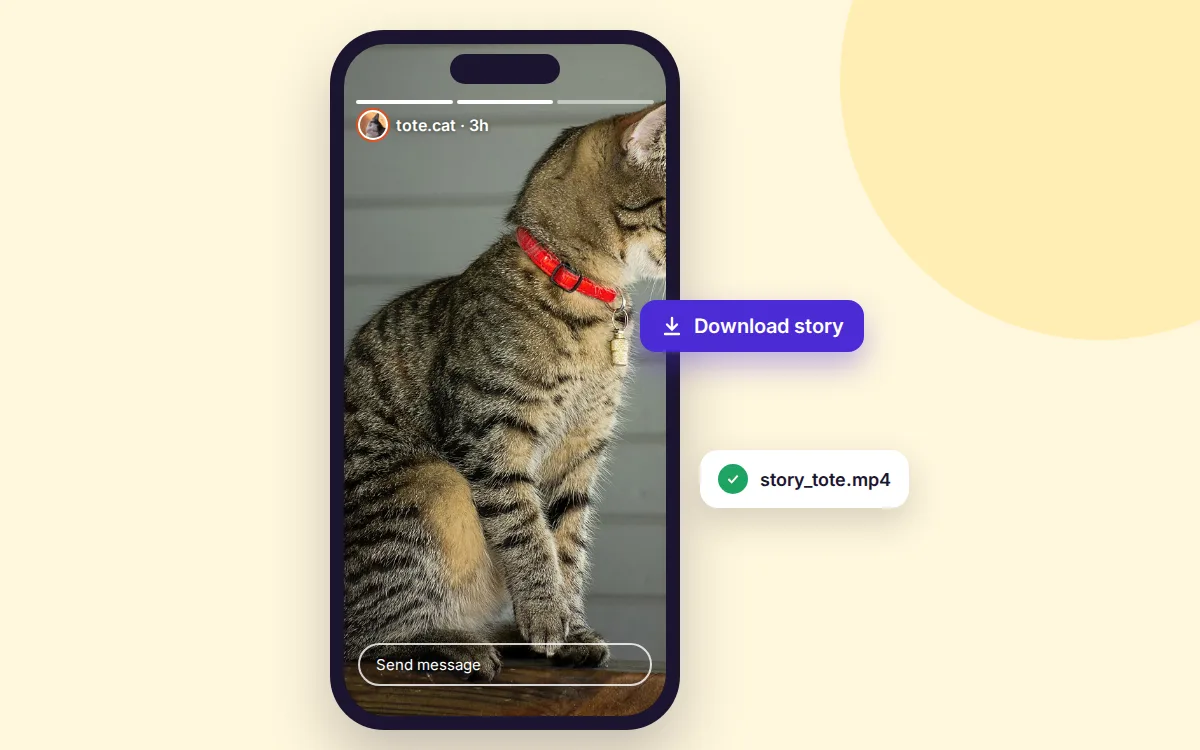
Before it disappears
Keep a story past its 24 hours
It leaves the profile after a day unless the owner adds it to Highlights. Save the photo or video while it is live and the file stays on your device.
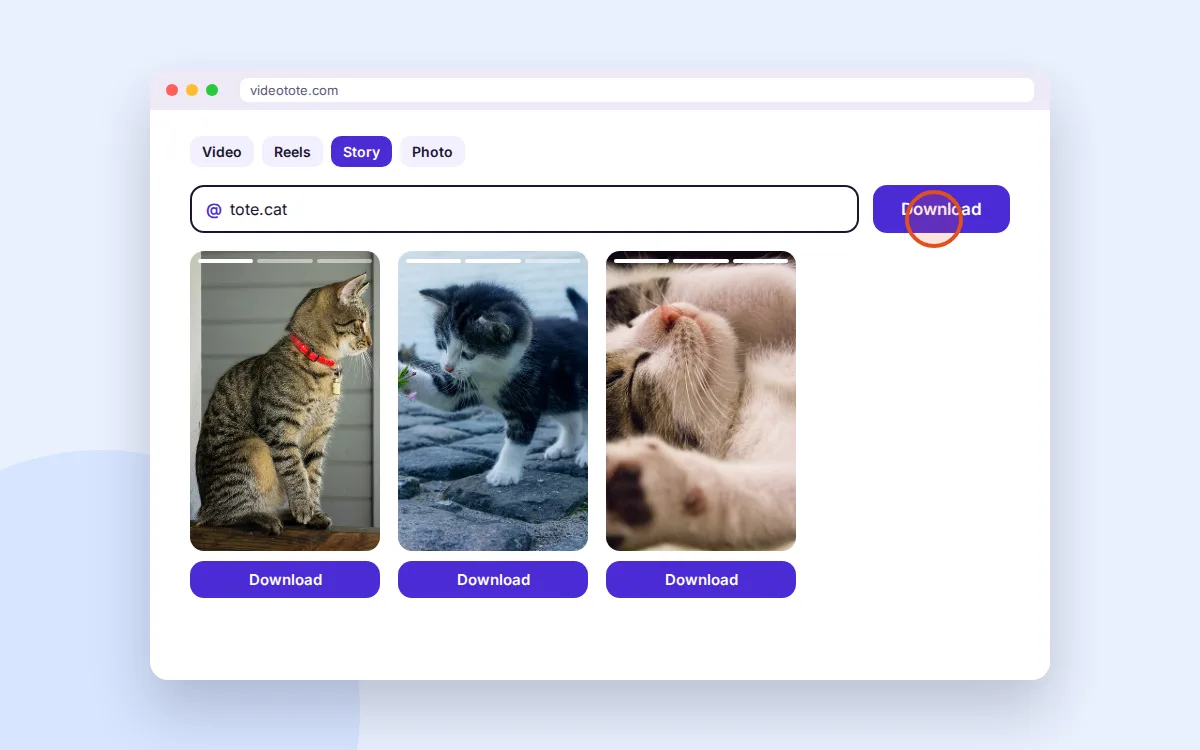
By username
Everything a public account has live
Type the @username instead of a link and VideoTote lists what the profile has live right now, each item with its own Download button.
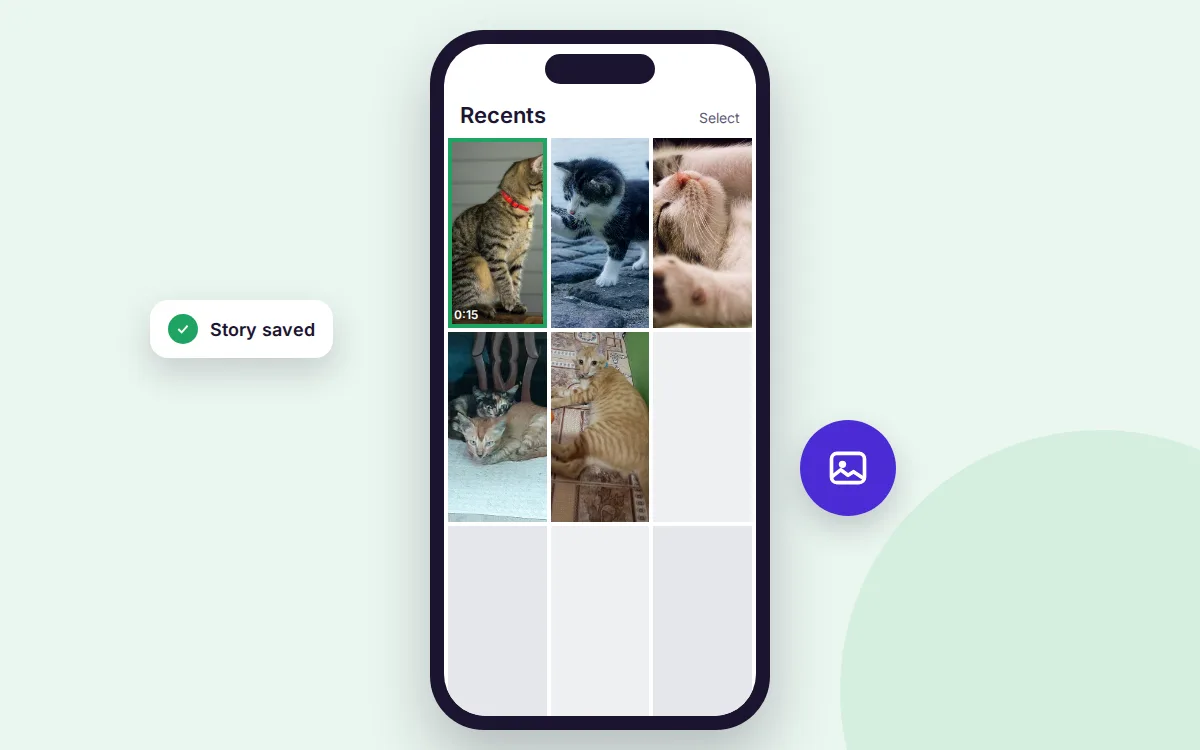
Photos and videos
Files that land in your gallery
Photos come as image files and videos as MP4, ready in the gallery of your phone. You never sign in to Instagram to get them.
Guides for this tool

Questions and answers
Does the author see that I downloaded a story?
Is a story still available once a day has passed?
Does it work with highlights too?
Can I download stories from a private profile?
Is the song kept in a saved video story?
Do I need a link, or is a username enough?
Do I have to install a story saver app?
Which file types do I get?
Have more questions or need technical support?
Send us the link that failed together with your device and browser, and we will check what went wrong.