Instagram Photo Downloader
Paste the link of a public post and keep its pictures as image files, with no app buttons or captions in the frame.
The form could not start. Make sure you are online, then press Download once more.
Public content only. Not affiliated with Instagram or Meta. By using VideoTote you agree to the Terms and Privacy Policy.
Save an Instagram photo in 3 steps
-

Copy the link of the post
In the Instagram app, open the photo, tap the paper-plane share icon or the three dots and pick Copy link. On a computer, copy the address of the post.
-

Paste it into the field
Put the link into the field at the top of this page and tap Download. VideoTote reads the public post and lists each photo it holds, whether that is one picture or a whole album.
-

Keep the photo
Check the previews and press the Download button below the picture you need. The photo arrives on your device as an ordinary image file.


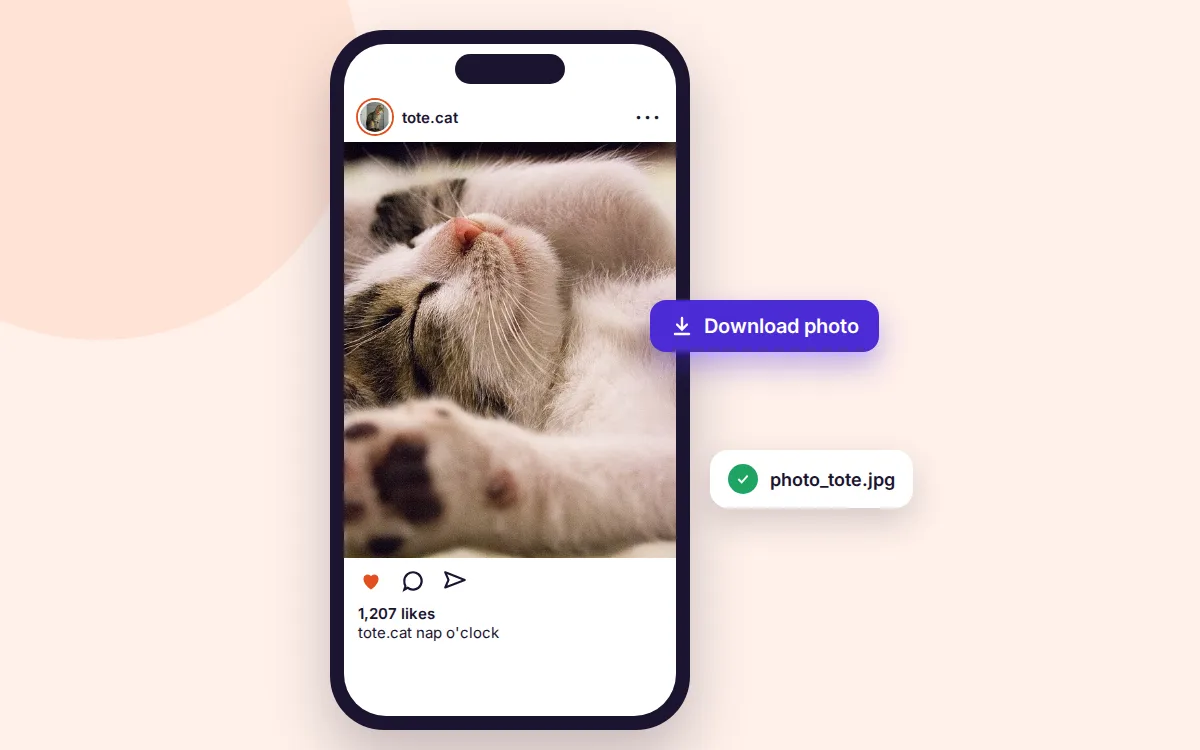
Single photos
The picture itself, not a screenshot
Paste the link of a public post and save the photo as an image file, without the app buttons, likes or caption in the frame.
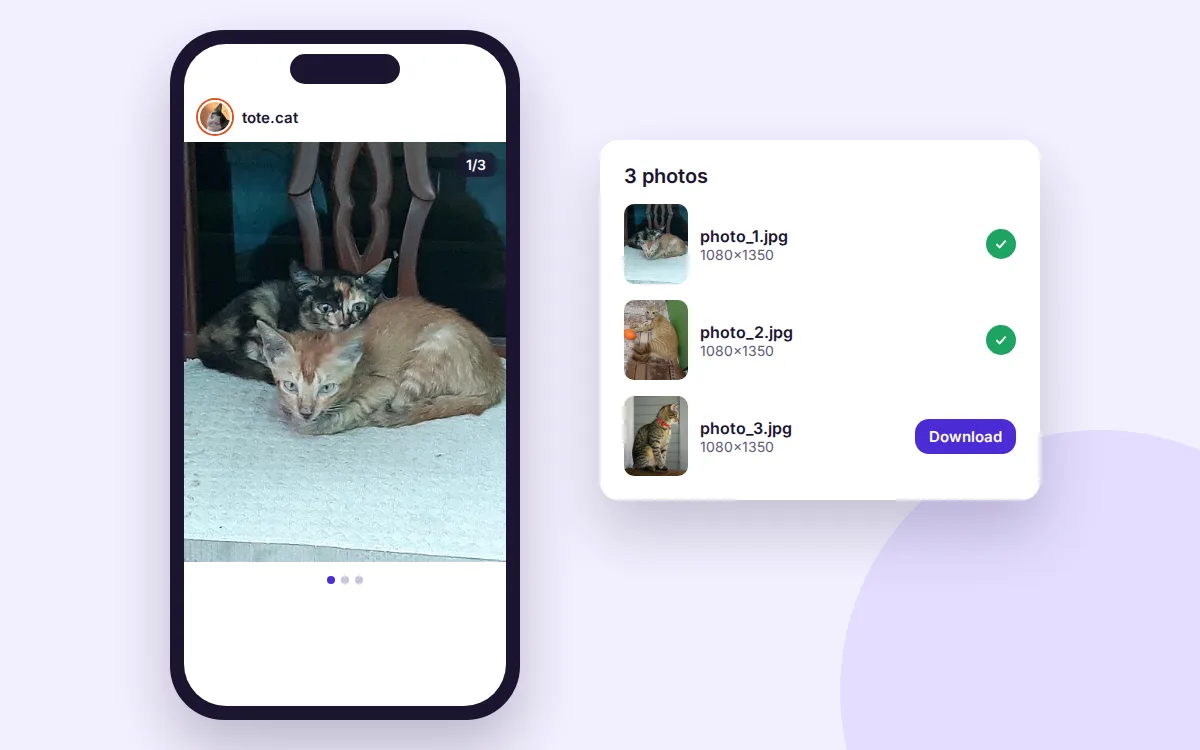
Albums
Every photo of an album, one by one
A post with several pictures shows each of them as its own card, so you can keep the whole set or only the photos you need.
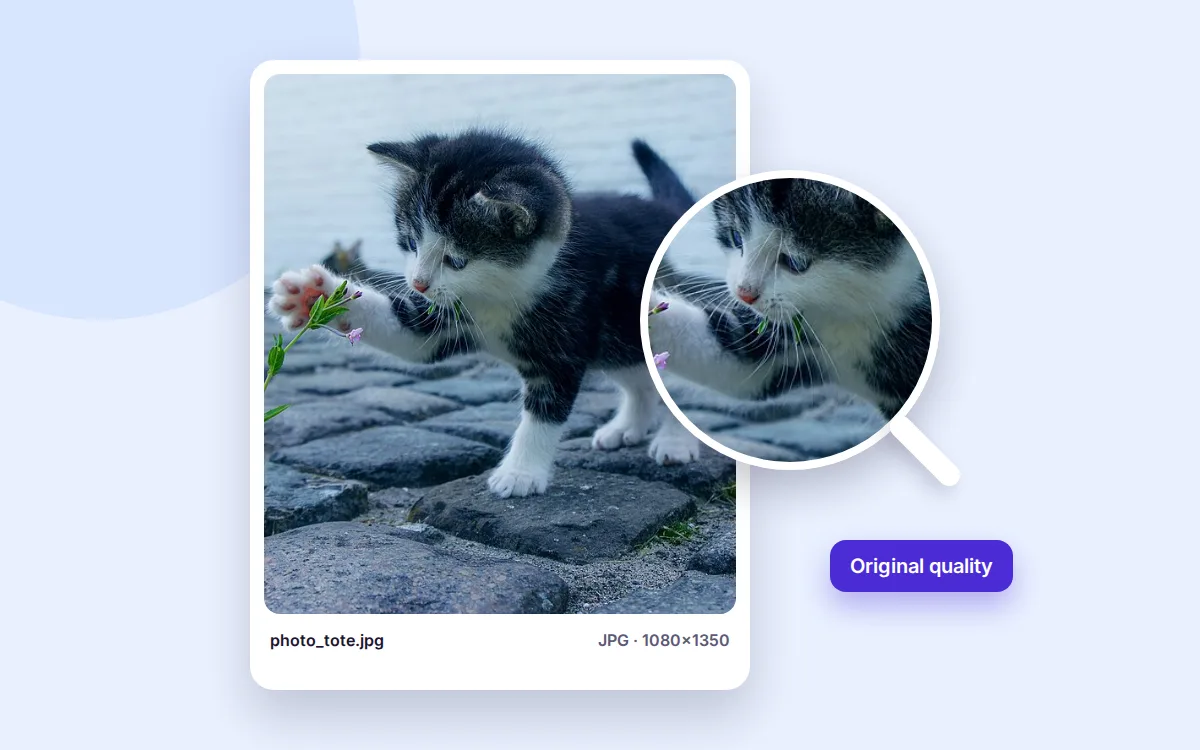
Image files
A file for your gallery or editor
You get the version Instagram returns for the post as an image file that opens in the gallery, on a computer or in any photo editor.
Questions and answers
What size is the saved photo?
Can I download every photo of an album?
Can I download photos of a private account?
Is a downloaded photo better than a screenshot?
Where do saved photos go?
Do I need an app to save Instagram photos?
Can I save a photo from a story?
Can I save someone's profile picture?
Have more questions or need technical support?
Send us the link that failed together with your device and browser, and we will check what went wrong.