Instagram Profile Picture Downloader
Enter a username, look at the account photo without the round crop and save the profile picture to your device.
The form could not start. Make sure you are online, then press Download once more.
Public content only. Not affiliated with Instagram or Meta. By using VideoTote you agree to the Terms and Privacy Policy.
Get a profile picture from Instagram in 3 steps
-

Pick the account
Note the username after the @ on the profile, or copy the profile link from the share options. It works the same on iPhone and Android.
-

Enter it above
Type the username into the box at the top of this page, with or without the @, or paste the link instead. Press Download and wait for the account card.
-

Check it and save
Tap the DP to open a large preview and make sure it is the right person. Press Download, and the profile picture is stored on your phone or computer as an image file.


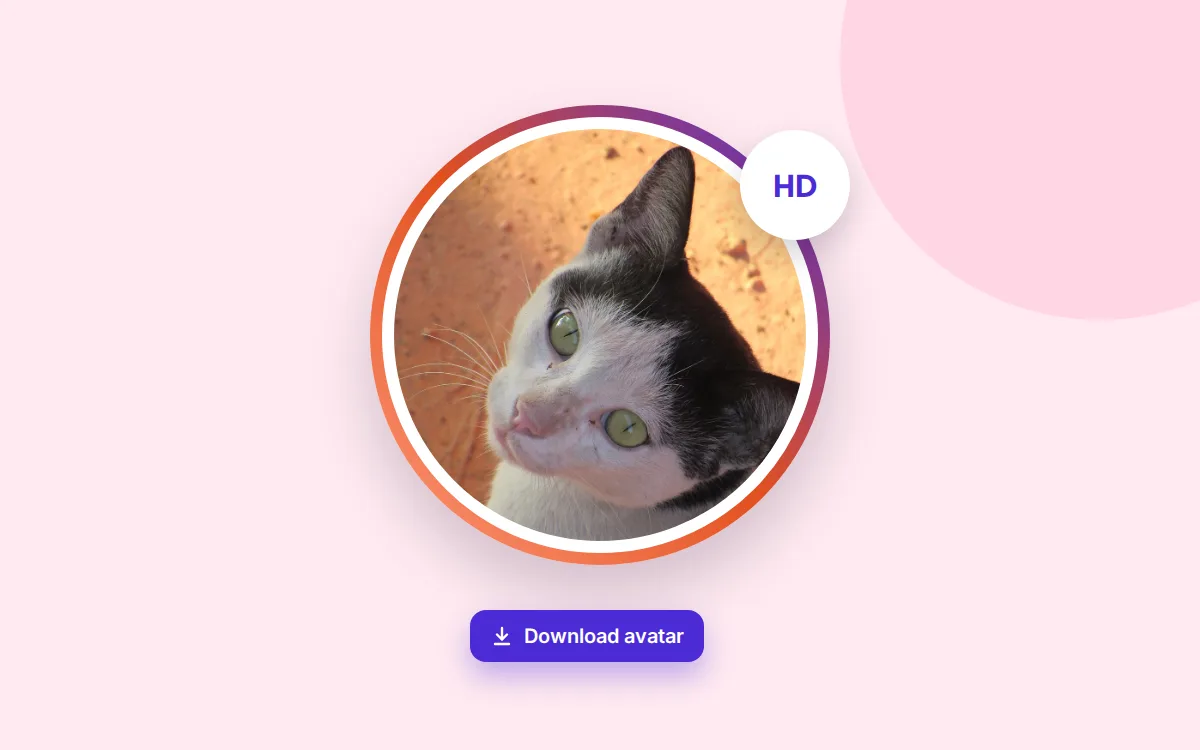
Without the circle
The profile picture without the round crop
Instagram shows the account photo as a small circle. Here it opens without the crop, in the version Instagram returns, ready to save as an image file.
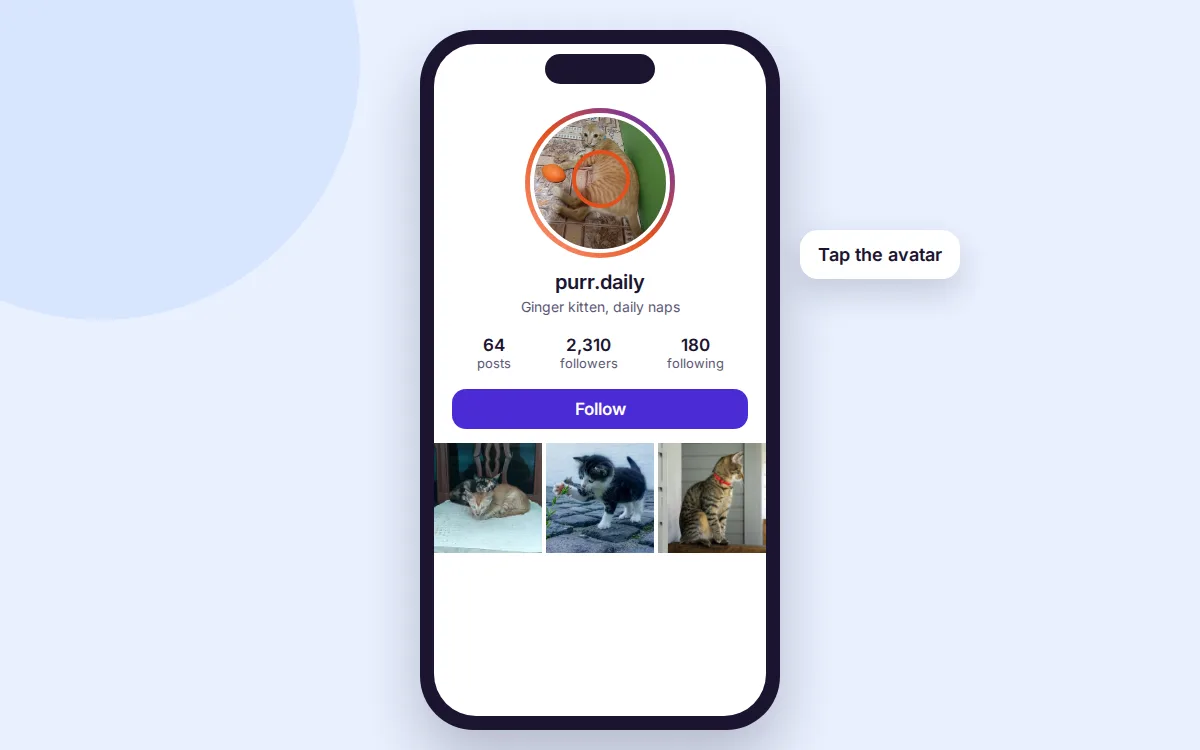
By username
Just the name of the account
Type the @username or paste the profile link. The page shows the profile picture with the post and follower counts, so you can check it is the right account.
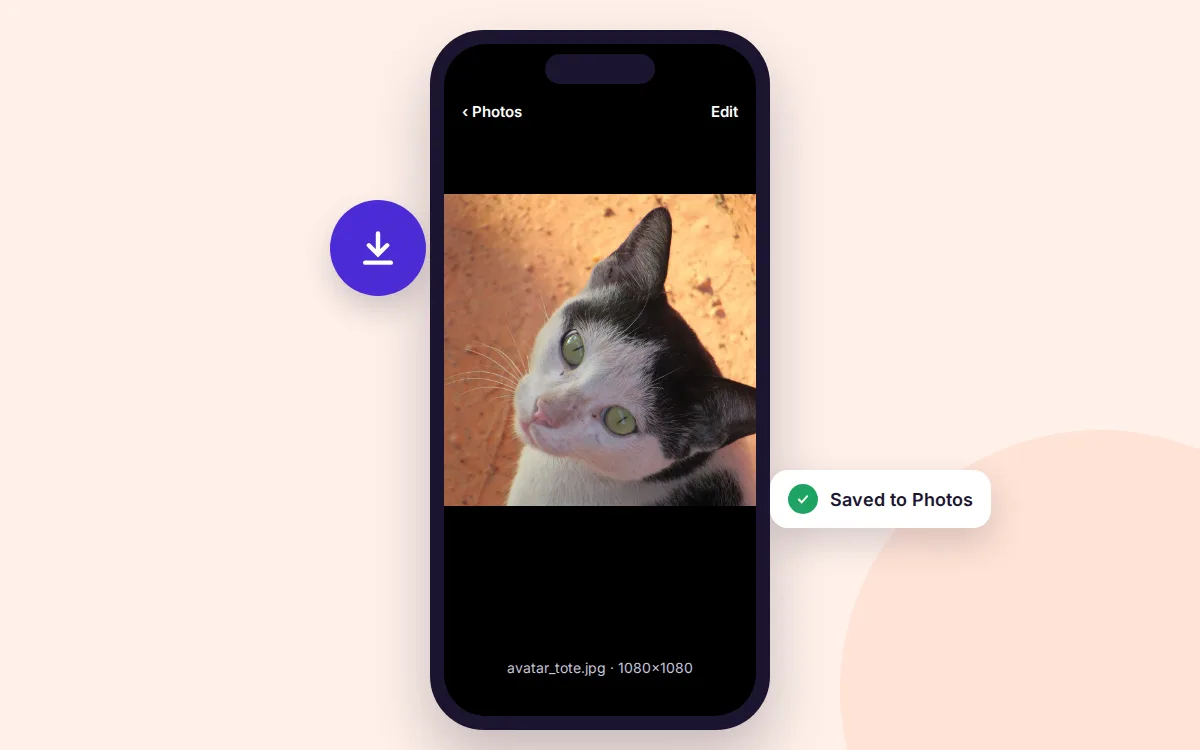
On your device
An image file you can keep
Tap Download and the profile picture is saved on your phone or computer as an image file, ready to open at full screen.
Questions and answers
How large is the saved profile picture?
Does it work for a private account?
Does the owner find out that I saved their DP?
Does a profile link work instead of a username?
How many profile pictures can I save?
Is it legal to save someone's profile picture?
Can I watch the stories of the same account?
Have more questions or need technical support?
Send us the link that failed together with your device and browser, and we will check what went wrong.